Microsoft Excel vs. Microsoft Lists: Which Tool Should You Use?

A Practical Guide for Everyday Users
Introduction
Picking the right tool for your information can help you work better and faster with other. This guide will show you the main differences so you can choose the right one for your next project.
Making the Right Choice
Both Excel and Lists help you organize and look at information. But which one is best depends on what you need to do. This easy guide will help you pick the right tool for your situation.
Microsoft Excel: For Data Analysis and Calculation
Excel is great if you need to work with numbers, do math, or make charts. Use Excel if you want to:
- Do hard calculations or “what-if” questions
- Keep track of spending or budgets
- Make charts, dashboards, or reports

Excel is best when you are working by yourself or with a small group. It has strong tools for math, making charts, and organizing data. You can also check your data and keep it safe. Excel works well even when you are offline.
Use Excel for things like tracking monthly expenses, making dashboards, planning budgets, or getting data ready for reports.
Microsoft Lists: For Tracking and Collaboration
Microsoft Lists is made for tracking and sharing information with others. Use Lists if you want to:
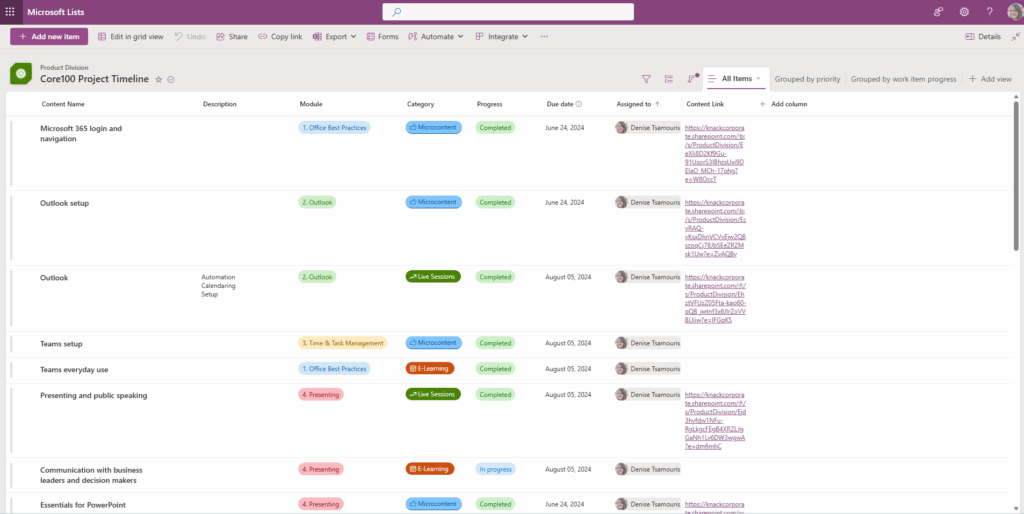
- Set up alerts and rules to help with your work
- Keep track of requests, inventory, or issues
- Manage projects or lists that many people use
- Share and update data with your team
Lists lets you and your team work together in real time. You can see your data in different ways, like a grid, calendar, or gallery. You can also change columns and colors to fit your needs. Lists works well with Teams, SharePoint, and Power Automate.
Use Lists to track tasks, keep equipment logs, check training progress, or follow project steps with your team.
Comparison Snapshot
The main difference is that Excel focuses on data analysis and calculations, while Lists is built for tracking and collaboration. Collaboration in Excel is mostly about sharing files, but Lists lets you work with others in real time through its web interface. Excel handles large datasets well, while Lists is perfect for structured lists. For automation, Excel uses formulas and macros, while Lists works with rules and Power Automate. When it comes to visualizing data, Excel offers charts and pivot tables; Lists provides several views such as list, gallery, and calendar. Excel excels at creating reports and in-depth analysis, while Lists is better for workflows and fast team updates.

Pro Tip: Use Them Together

You can use both tools for more power. Collect data with Forms or Lists, then use Excel to analyze and make charts.
Conclusion
Whether you need to work with numbers or manage team projects, pick the tool that matches your work. You can always use both for the best results!
Related everyday office posts
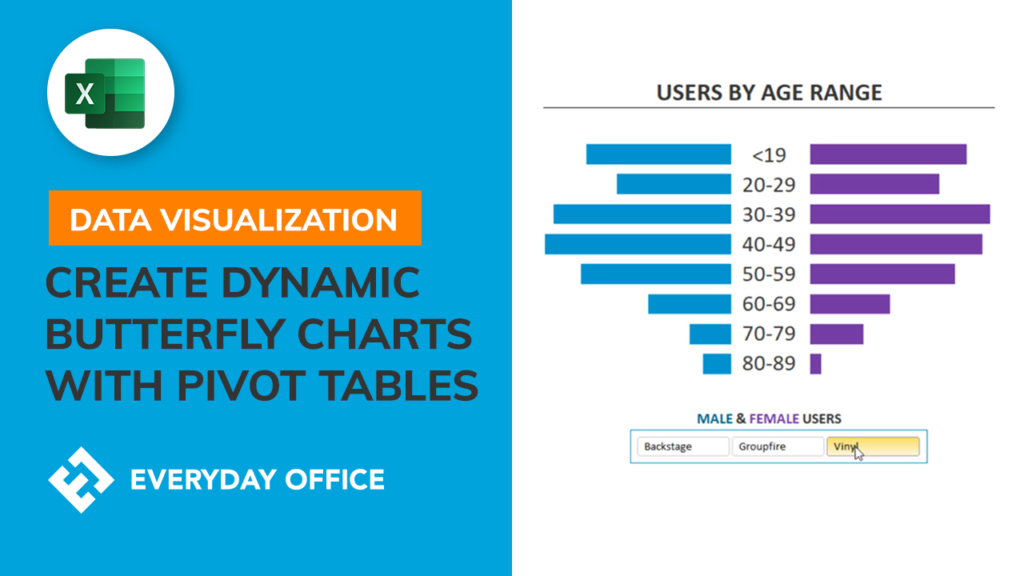

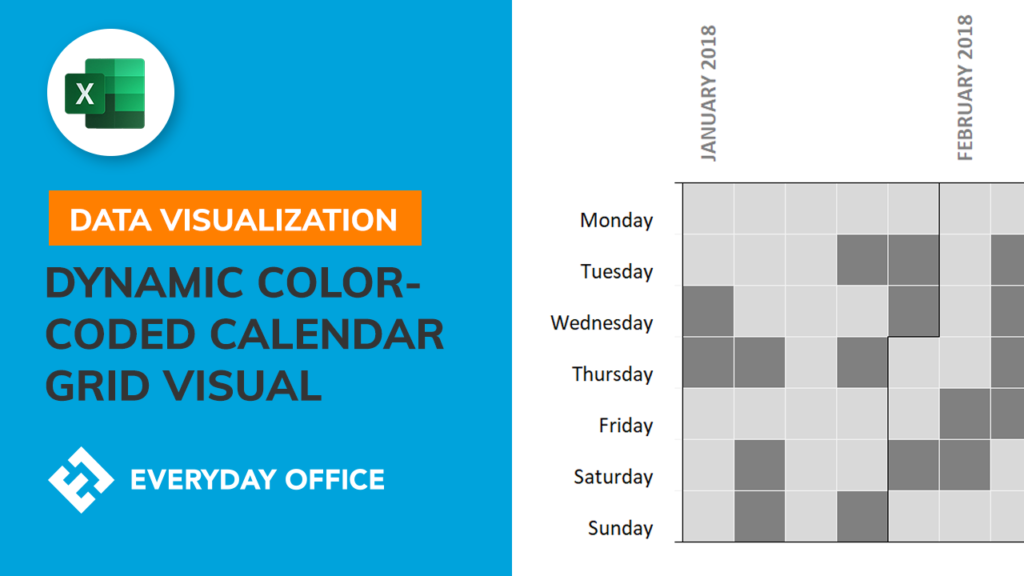
Building a Color-Coded Calendar Grid in Excel
People are always badmouthing Excel and working in various new and powerful data visualization tools. In this video, we...
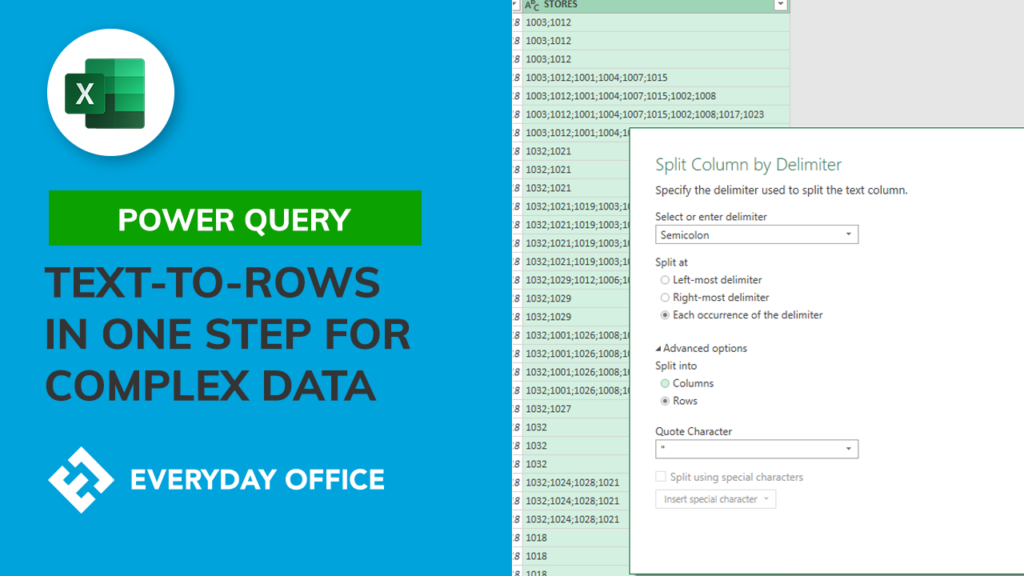
Going Text to ROWS with Power Query
Text to Columns is a common tool in Excel (although the Text to Columns feature in Power Query, called...
Related recources

A Beginner’s Guide to Power Query
Power Query is Excel's new ETL tool - whether you’re talking about Excel or Power BI, when you extract, transform, and load the data into a report, you’re doing it with Power Query.